
Create Professional Videos with Just One Click
The One Button Studios at Franciscan Missionaries of Our Lady University (FranU) are self-service video recording spaces that make high-quality content creation simple and accessible. Whether you're a faculty member recording a lecture, a student presenting a project or staff creating a professional announcement, our studios are built to support your creativity with no technical expertise required.
One Button, Infinite Possibilities
Choose the Right Studio for Your Project
FranU offers two unique self-service studios, each tailored to different presentation styles and teaching needs.
One Button Studio: Traditional
Perfect for polished, direct-to-camera recordings
- Green screen background for professional overlays
- Ideal for lectures, narrated slides and announcements
- Simple push-button operation with no editing skills needed
- Tip: Avoid wearing green clothing
Best for:
- PowerPoint presentations
- Formal video announcements
- Lecture-style content
One Button Studio: DScribe
Bring your lessons to life with visual storytelling
- Features a Lightboard for writing or drawing while facing the camera
- Touchscreen and annotation tools for dynamic explanations
- Maintain eye contact while illustrating complex ideas
- Tip: Avoid wearing black for better visibility
Best for:
- Interactive lessons
- Diagrams and equations
- Visual, engaging teaching content
Studio Features at a Glance
| Feature | One Button Studio: Traditional | One Button Studio: DScribe |
|---|---|---|
| Background | Green screen | Lightboard |
| Best For | Lectures, slides, announcements | Diagrams, equations, visual lessons |
| Clothing Tip | Avoid green | Avoid black |
| Tools | Push-button recording | Annotation, touchscreen |
| Camera | Blackmagic Design cinema camera, 6K quality | LUMIX G motionless camera, 4K quality |
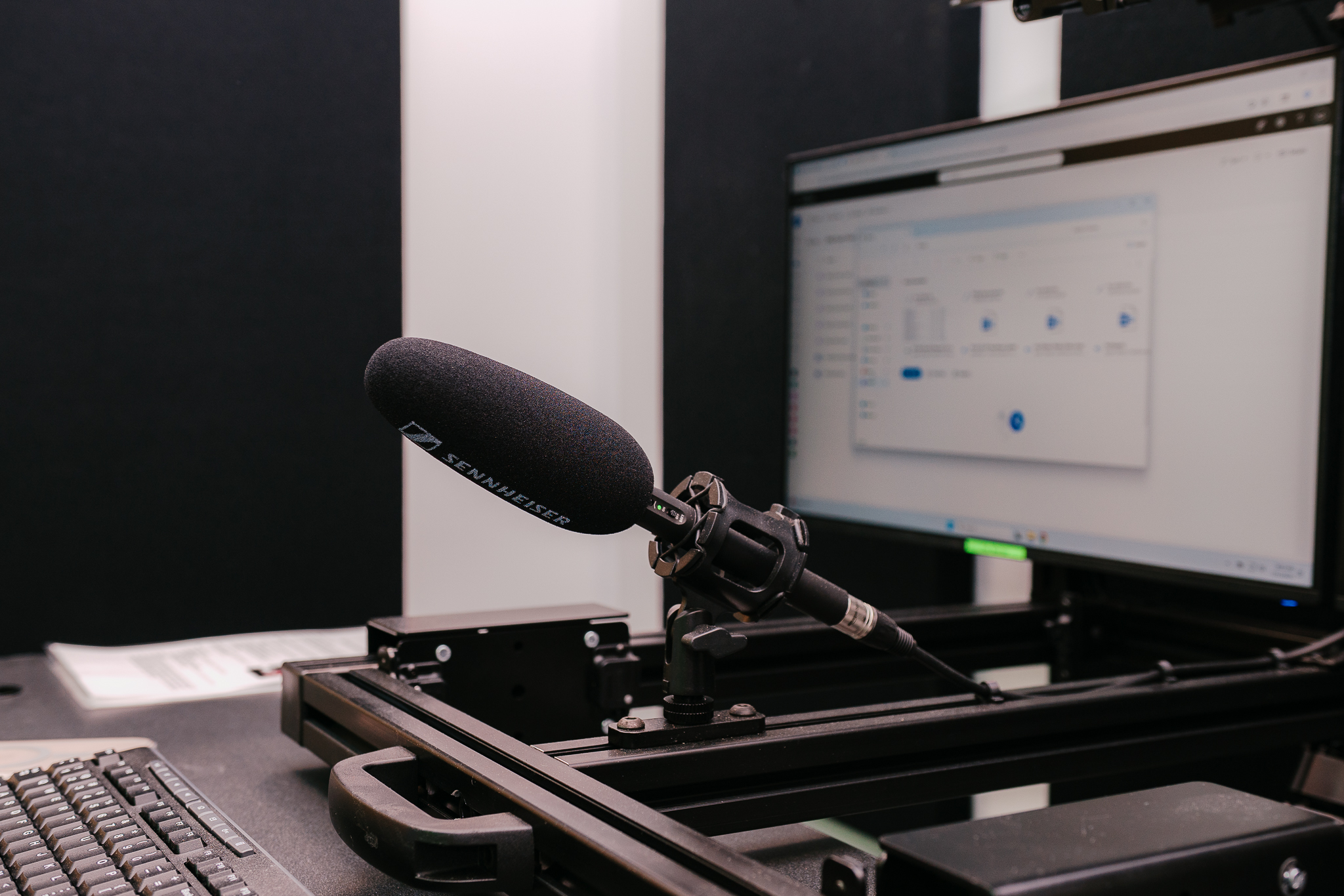
| Microphone | Sennheiser | Sennheiser |
| Monitors | 1 Flex Monitor, 1 Confidence Monitor | 2 Flex Monitors, 1 Confidence Monitor |
| Additional | Bose speakers | Sound dumping curtains, Bose speakers |
Dress for Success
To look your best on camera and avoid technical issues:
- Wear solid colors for optimal video quality
- Avoid green in the One Button Studio
- Avoid black in the DScribe Studio
- Stripes and subtle patterns are acceptable
No Food or Drinks
To protect equipment and maintain cleanliness, food and beverages are not allowed in either studio.
What to Expect During Your Session
Accessing the Studio
- Arrive at your scheduled time
- Use the badge checked out from the Library Help Desk
- Open the door slowly in case another user is still inside
Room Signage
- Slide the “Recording in Progress” sign before you begin
- Note: Automatic status lights coming soon
DScribe Studio Users
- Pull the privacy curtain over the door window before recording
After You Record
Save Your Work
- Transfer your video to OneDrive
- Delete the file from the provided flash drive
Clean Up and Return Items
- Close and lock the studio door
- Change the door sign to “Vacant”
- Return the badge to the Library Help Desk and retrieve your ID
- DScribe Studio only: Pull back the privacy curtain
Ready to Record?
Book your session today through MyPortal and bring your ideas to life with ease and professionalism.